 |
|
|
|
|
|
|||||
 |
||||||||||
|
||||||||||
 |
||||||||||





|
|
 |
|
|
|
1. Adjust your monitor's brightness and contrast. |
|
|
|
|
|
|
|
|
|
 |
||||||||
|
For most monitors, set your contrast at its maximum level and adjust the brightness so that you can just see the difference between each gray cell in the image. |
||||||||
|
2. Adjust your monitor's gamma. |
||||||||
 |
 |
|||||||
|
|
|
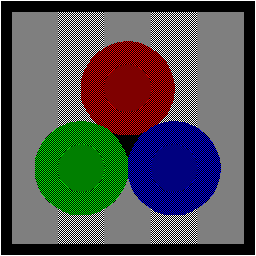
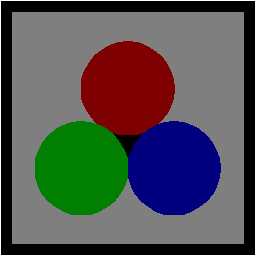
If your video driver has the capability, you should adjust your monitor gamma such that the image on the left appears to have only four colors: red, green, blue and gray. If this is done properly, the two images will look almost identical. |
|
|